Plot
Freeform 10 cm beds
Draw beds as curves, U ends, corners, or paths. Every 10 cm square keeps what grew there last season.
 Shedside by Chalet 5 Labs
Draw your vegetable beds as they really lie, check what grew in every 10 cm square last year, and keep planning at the gate even with zero phone signal.
Dad's real allotment
Drawn as it actually lies
Thirty seconds in the real app: lay out the plot, plant the beds, check last year’s rotation, then the calendar, the encyclopedia and a diary note — with no signal at the gate.
Sound on for the full mix — the film carries music and interface sounds. Download the film (MP4, 1.2 MB).
On a phone at the gate, everything sits one tap away for muddy hands. On a bigger screen, the whole plot stays open alongside your notes.
Draw beds as curves, U ends, corners, or paths. Every 10 cm square keeps what grew there last season.
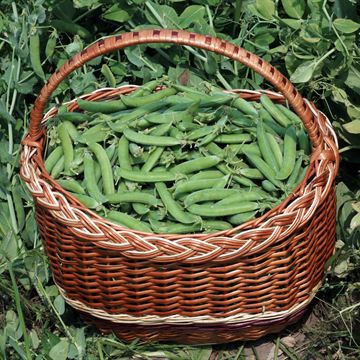
Monthly indoor, greenhouse, and outdoor sowing jobs linked straight to the crops planned in your beds.
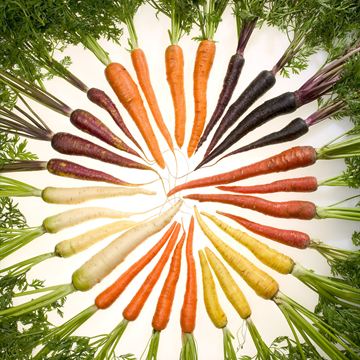
Jot germination checks, frost damage, and harvests while standing in the rows — saved straight away with no signal.
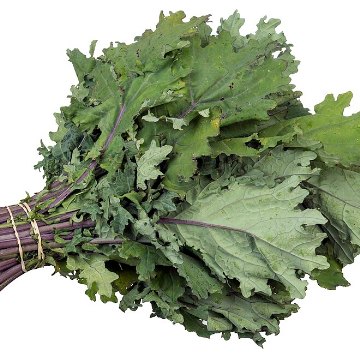
Track what varieties are in your tin, how much seed is left, and sow-by years before ordering again.
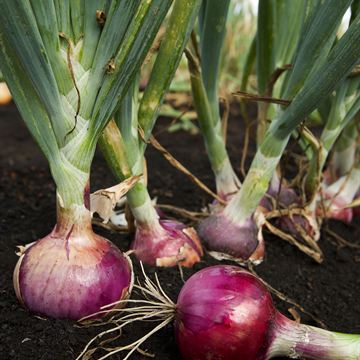
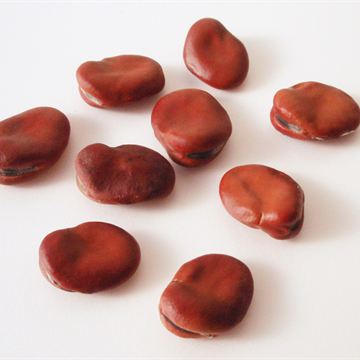
Frost windows and seasonal rainfall across eight UK growing regions built into the app for zero signal use.
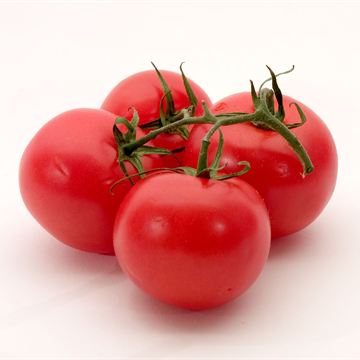
Spacing, sowing depth, crop family, and safe gap years ready offline whenever you need a quick check.
Pick a vegetable and tap squares to plant, or load a sample bed. Press “Next season” and the bed remembers last year — sow the same crop family again and it flags a rotation check.
Preview only — saved in this browser. The full planner lives at shedside.app.
One plot, the current growing season, crop rotation checks, all 29 vegetable guides, and automatic saving on your phone with no account required.
Unlimited plots and years, safe syncing between kitchen laptop and plot phone, photo backup, printable A4 shed plans, and a three-year rotation summary. 30-day refund.
Yes. Shedside saves your edits directly on your phone with zero reception, and syncs between your devices when you are back indoors.
Yes. Draw U ends, curves, angled borders, and paths as they actually lie — Shedside fills the planted soil with 10 cm squares.
Every 10 cm square remembers which crop family grew there each season. Plant the same family back too soon and Shedside flags a gentle warning, including longer rest periods for brassicas and alliums.
On your own phone or computer by default. If you turn on multi-device sync, your plot records and photos are kept privately in European storage tied to your account. See the Privacy Notice.
Yes. Exporting a full copy of your plot is free on every tier, with printable A4 shed sheets in Shedside Pro.
Open Shedside free — no sign-up or card required.